


Earn College Credit Through Dual Enrollment Opportunities at SVSU
Saginaw Valley State University partners with high schools to offer dual enrollment opportunities that allow eligible students to earn college credit while still in high school.
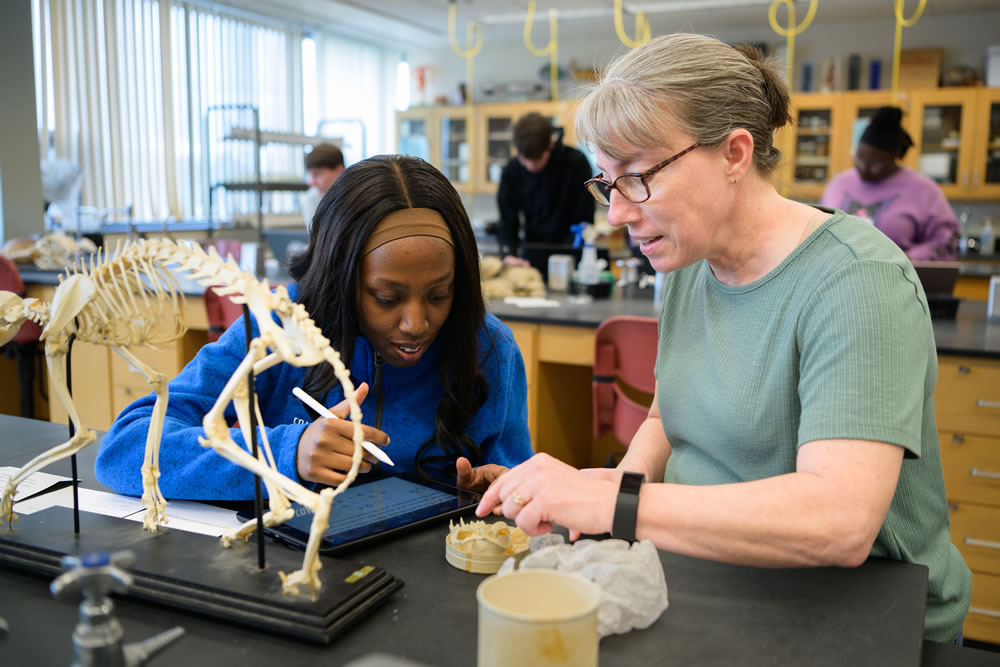
Students: earn SVSU credit, explore majors, and prepare for college-level coursework
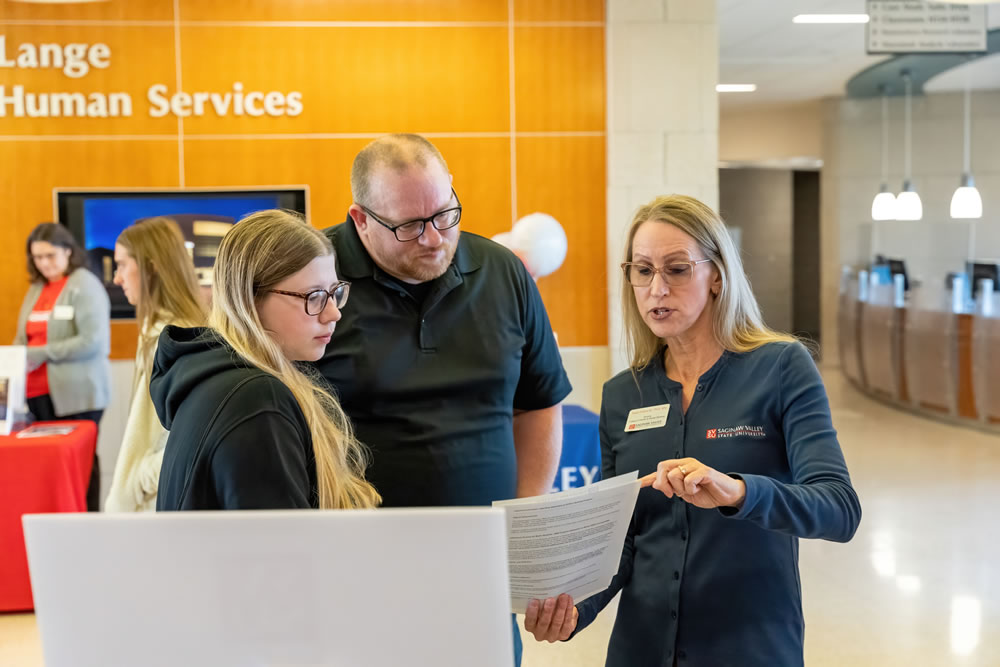
Parents and families: support early college success and future affordability

School counselors: connect students with high-quality academic options
Is Dual Enrollment Right for You?
Dual enrollment is a strong option for students who:
- Have exhausted advanced course options at their high school and are ready for college-level work
- Want to earn college credit early, helping reduce future time and cost to degree
- Are exploring new academic interests not offered at their school
- Want to experience college coursework before committing to a major
No matter your reason, dual enrollment at SVSU provides a head start on your college journey, allowing you to challenge yourself academically, explore new interests, and experience college-level coursework—all while still in high school.
We are here to help! Contact Samantha VanHorn at smvanhor@svsu.edu or (989) 287-9166
How to Sign-up For Dual Enrollment Courses
Step 1: Students interested in dual enrollment should talk with their high school counselor to learn more about eligibility, available courses and the registration process.
Step 2: Complete the FREE online Dual Enrollment Application (see details below).
Courses and Information
Dual enrollment courses are taught by SVSU faculty and reflect the same academic standards as on-campus classes.
Dual enrollment courses may be offered online, at participating high schools, or at designated SVSU locations. Instruction is provided by SVSU faculty and designed to support student success in a college-level environment. Course availability may vary by district and term.
Academic Resources and Campus Access
Dual enrollment students have access to many of the same resources as SVSU students.
Outstanding Academic Support
SVSU dual enrollment students have access to the same services and resources available to all college students through our Gerstacker Learning Commons (tutoring, writing center, math and physics resource centers) and Career Services (résumé and cover letter building, mock interviews, employment fairs). SVSU faculty and staff are here to encourage student success!
Access Library, Fitness Center, Dining ...
Upon enrolling, dual enrolled students have access to many campus facilities.
- Students may attend any athletic home match for free with a parent or guardian.
- Students get full access to SVSU recreation and fitness facilities, including the indoor track, ping pong tables, basketball courts, treadmills, a weight room and more!
- Students have access to outstanding dining locations on campus. Simply add funds to their student card and they can swipe at any on campus dining location.

Who to Contact for More Information
For additional information about dual enrollment opportunities, partnerships, or course planning, please contact the following individuals.
For Students Interested in Dual Enrollment
For Schools and Districts Interested in Partnerships
CONTACT US.
Office of Admissions
178 Wickes Hall,
7400 Bay Road,
University Center, MI 48710
admissions@svsu.edu
(989) 964-4200